Formula110FORMULA 110Kris Jordan ↗

UNC Chapel Hill / COMP110 / Autonomous racing

Five weeks of coding out.
And away we go!

A programming project that puts beginners
in the driver’s seat—and their code on the grid.

Follow the story

01 / The intro → the race · real simulator footage

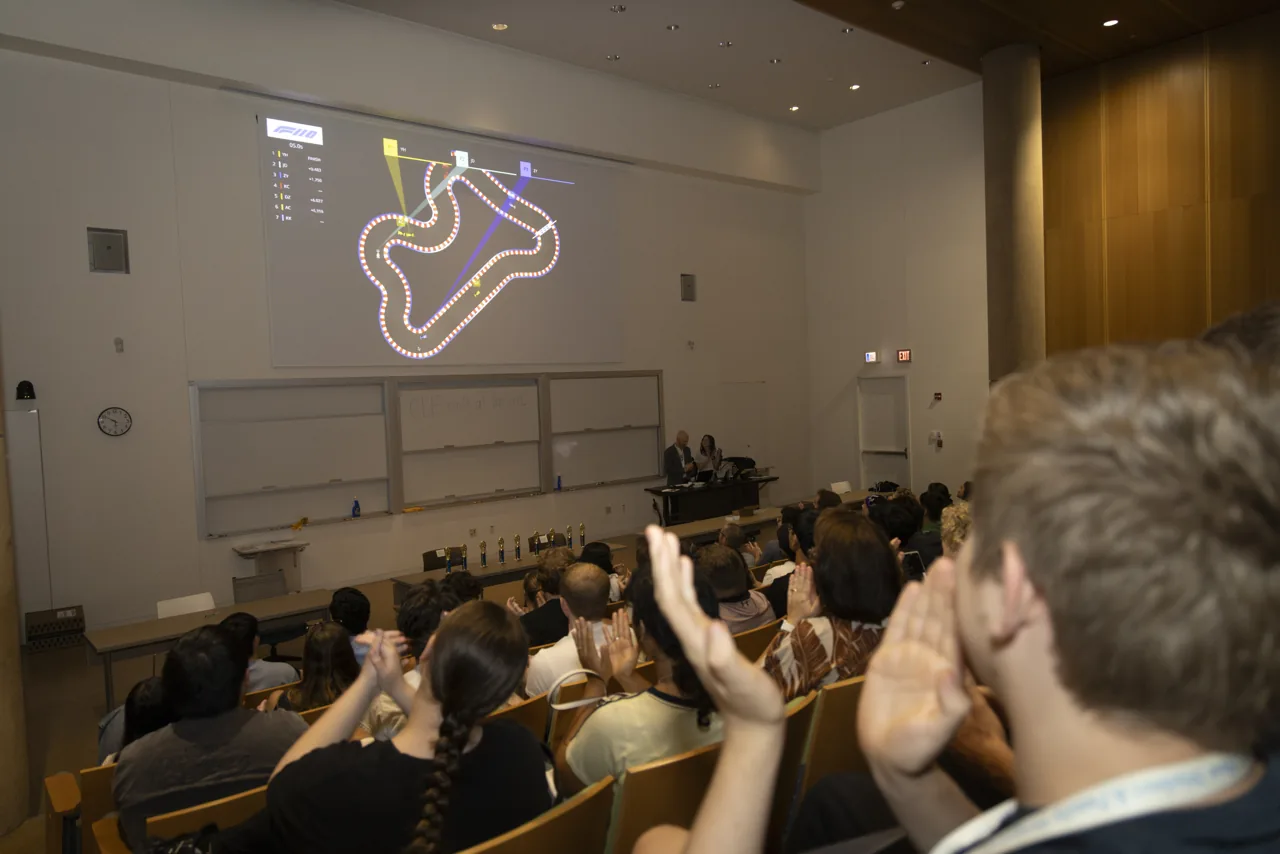
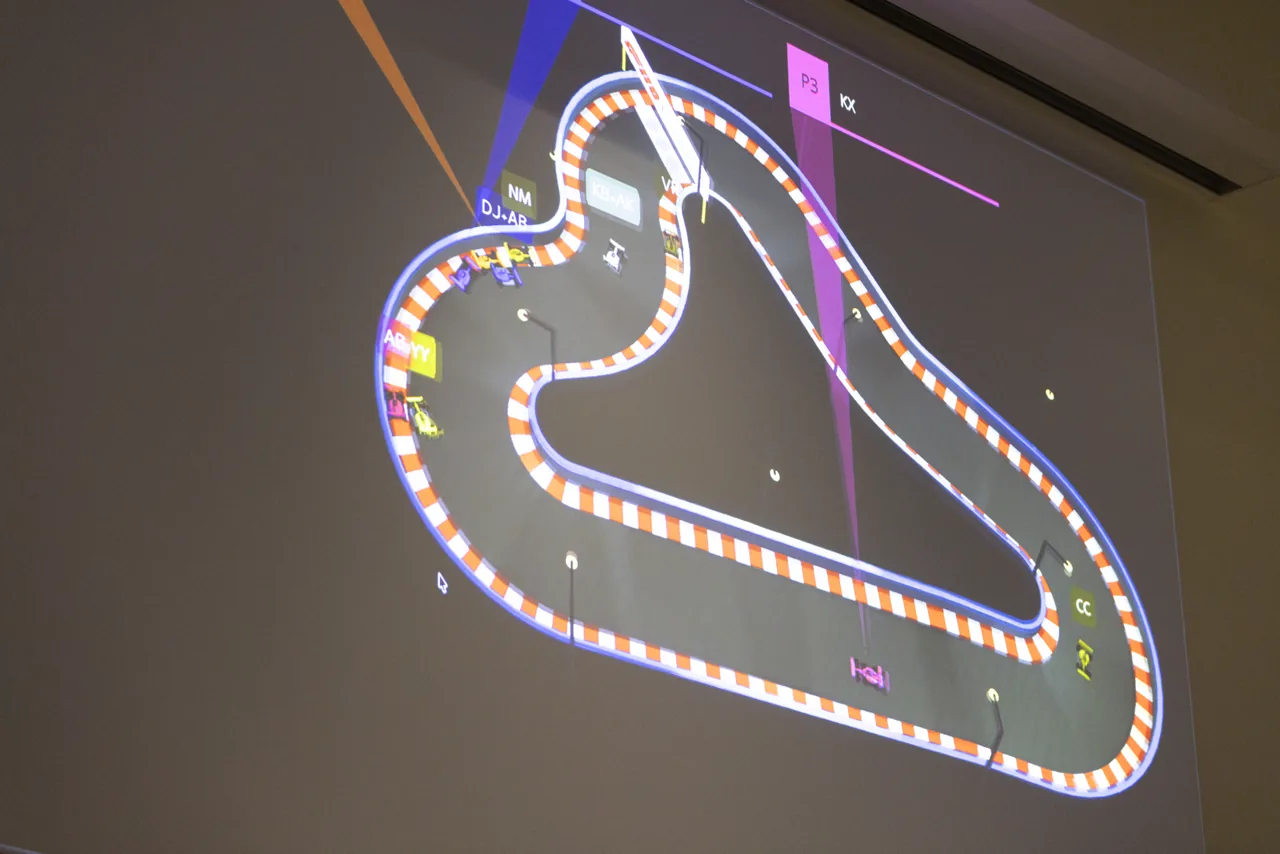
A projected race circuit in a lecture hall, with audience members applauding
October 2026 / GSB 200

The code on screen.
The room in motion.

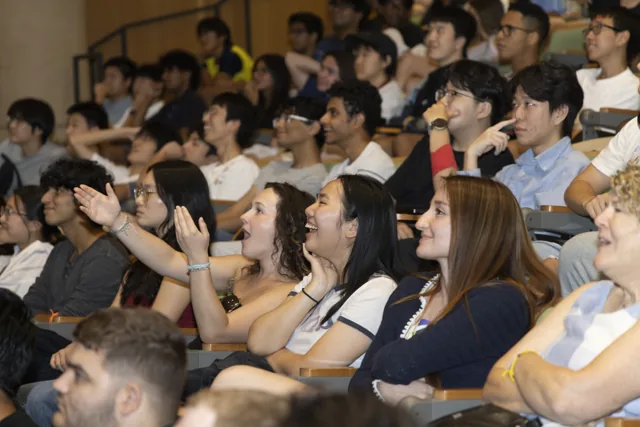
Audience members watching the race and reacting together
The view from the grandstand.

You write the code.
The car does
the driving.

What if learning an if statement meant learning to take a corner?

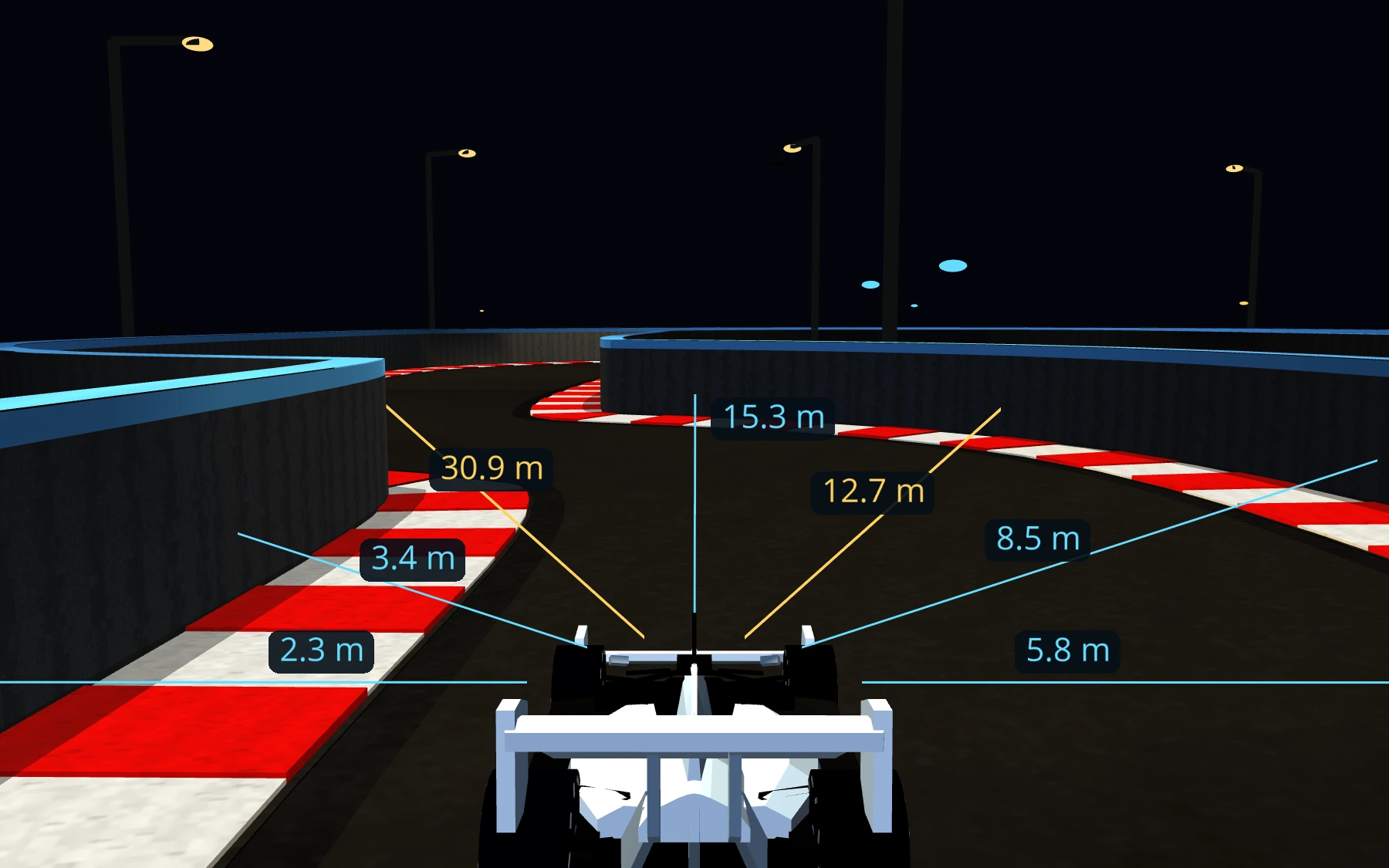
Formula110 turns beginner Python into autonomous racing. Students program a controller: a function that reads the car’s sensors, decides what to do, and returns throttle and steering commands.

The simulator handles the physics. The students work on the decisions. A few lines of code become something they can see, test, and improve.

Explore the open-source simulator ↗
700+

students wrote code
to control a car

250+

students qualified
for race night

60Hz

sensor-to-command loop
in the simulator

Participation and qualification figures from the Race Night presentation; these are not attendance counts.

The student experience01 Academy02 Qualifying03 Race day

Start small.
Make it move.

A car. A sensor reading.
A decision you can understand.

controllers/level_0.pyPython
if sensors.wall_lidar.front_left_m < 4.0:
    steer = 1.0
else:
    if sensors.wall_lidar.front_right_m < 4.0:
        steer = -1.0
    else:
        steer = 0.0

throttle = 0.16

return RobotCommand(
    throttle=throttle, steer=steer
)

Actual Level 0 starter logic from the public repository. When a wall is close, steer away. Otherwise, keep going.

20 seconds with the actual public Level 0 controller: drone follow, then close follow. The displayed code drives this car. Plays muted automatically. Turn sound on for the original simulator audio; the code and explanation describe its behavior.
01

Read

Distance to walls, speed, and track geometry.

02

Decide

Use variables, comparisons, and conditionals.

03

Drive

Return throttle and steering. Watch. Revise.

A lap is feedback.
Try again.

Getting a car moving is the beginning. Getting it around the track is the experiment.

Students can test their controller, watch where it struggles, and change their code. More speed asks for better steering. Tight corners ask for different decisions. A clean lap is evidence that the pieces are working together.

The simulator supports repeatable starts and recorded results. Comparing the same controller across several starts gives better evidence than one lucky run.

From code to confidence

First motionA complete lapA cleaner lapThe starting grid
Clock It / the leading qualifying controllerOne car. Its code. The track.
A fresh visual demonstration of the leading controller from the saved Clock It scores. This is a separate run, rather than the original leaderboard measurement: 10 seconds in drone follow, then 10 seconds in close follow. Student source code stays private. Turn sound on for the original simulator audio as the car navigates the circuit.

Code becomes
a spectator sport.

All those private moments of debugging lead to a shared starting line.

In October 2026, Formula110 came to GSB 200 at UNC’s Department of Computer Science. The Race Night format celebrated different kinds of driving: smooth corners, speed, high cornering loads, and the fastest clean lap. Controllers tested one at a time could now meet on the same track.

A race circuit projected above a lecture hall as people watch from the audience

Race night / the room behind the race

From watching a variable
to watching the finish line.

A close view of the race circuit projected onto the lecture hall screen
Controllers share a track—and a screen.
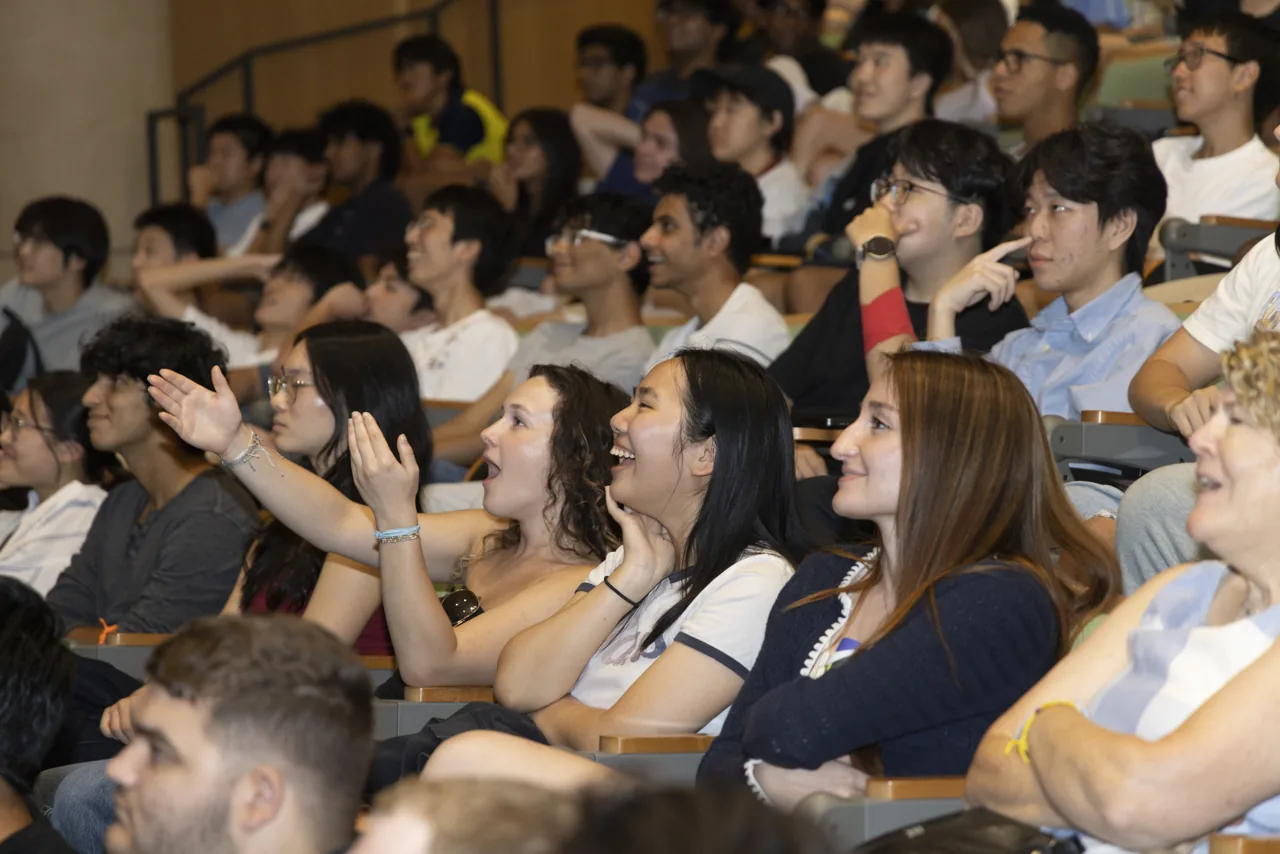
Audience members reacting as they watch the projected race
A room full of reasons to keep watching.
Back on the grid / Clock ItA fresh replay of the event lineup
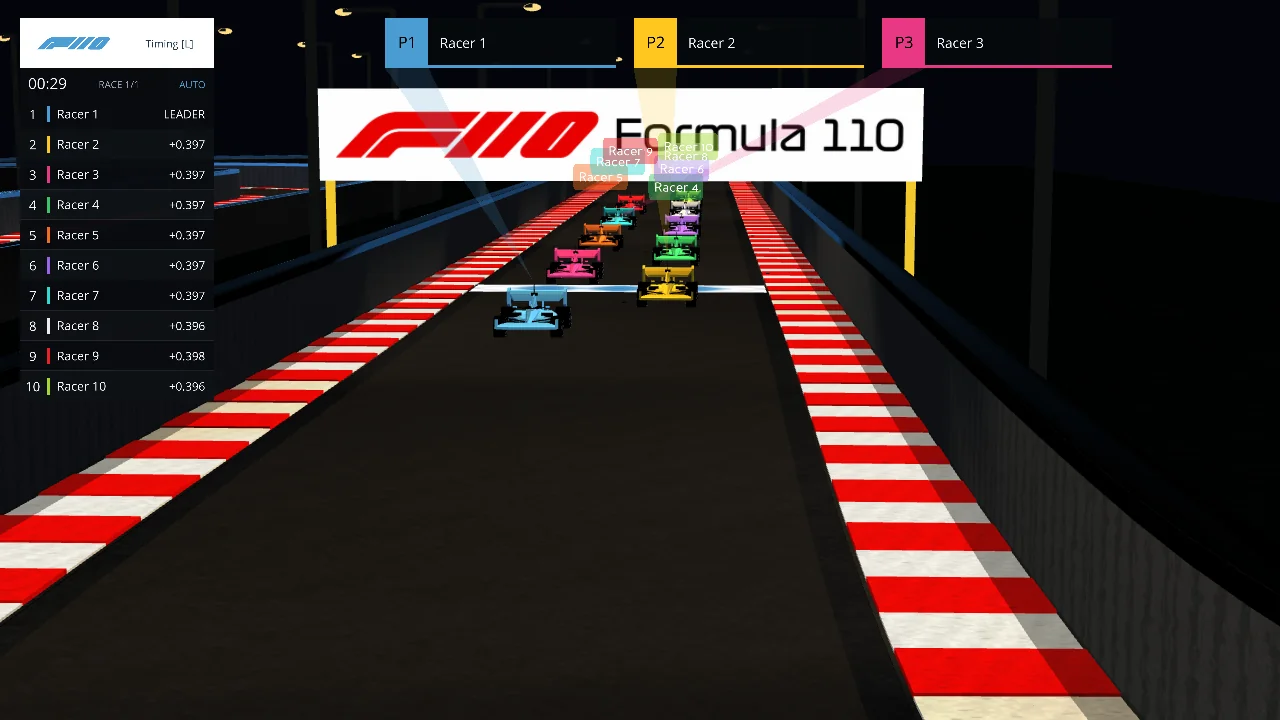
The confirmed event lineup, replayed in the real simulator. This is newly captured footage, not an archival recording of the live event. The cut follows the countdown and first lap, then complete laps seven and eight in a P1/P2 split view, followed by the final two laps with the leaders camera through the finish. Turn sound on for the start-light cues and original simulator audio.
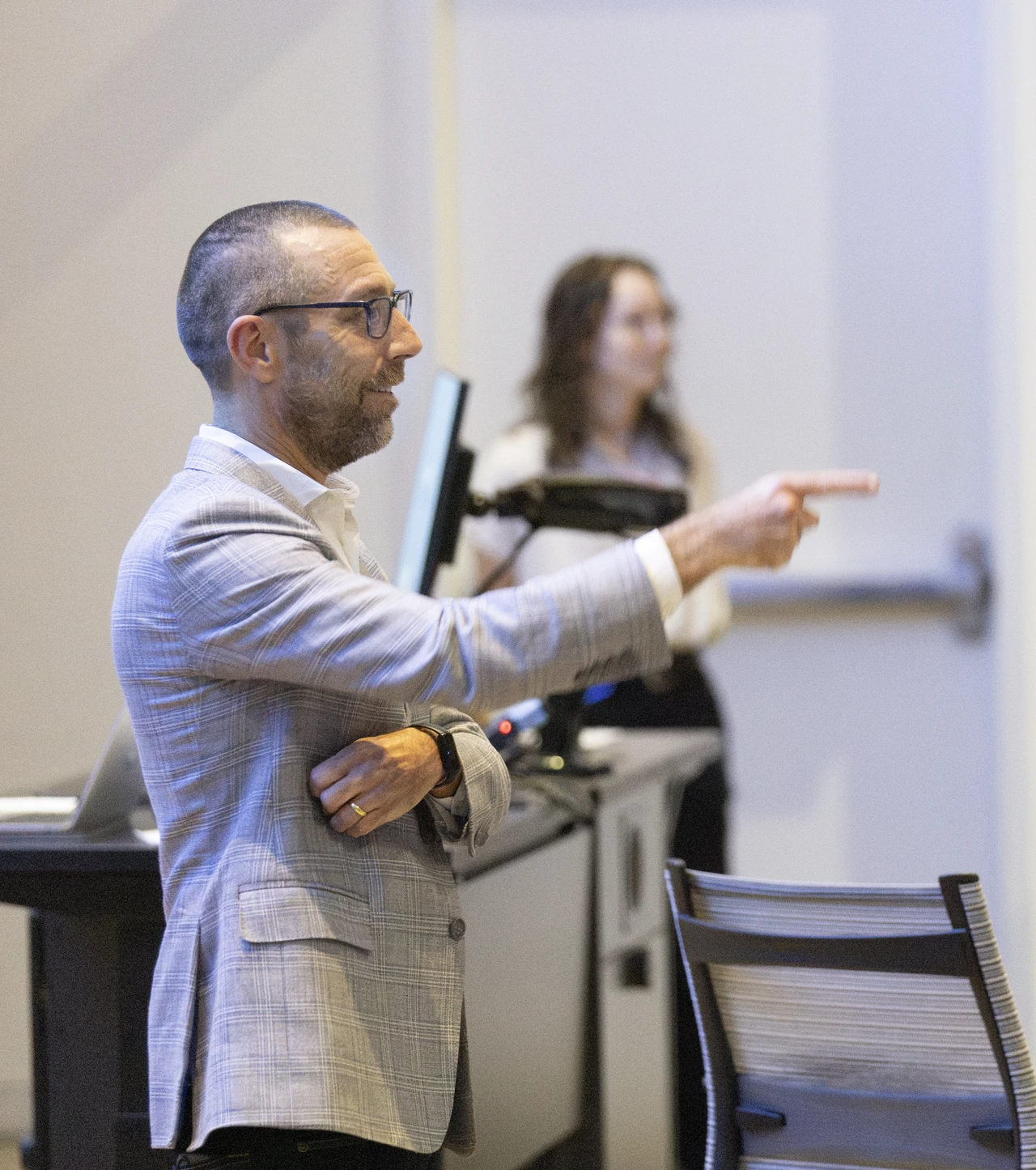
Provost Magnus Egerstedt in a light gray suit, pointing during the robotics seminar
Provost Magnus Egerstedt during the robotics seminar.

Beyond the finish line

From racing
to robotics.

Provost Magnus Egerstedt joined the event for a seminar on robotics. The conversation put the students’ controllers in a much larger world of questions about autonomous systems.

COMP590 / Honors AI Engineering

What comes
after the first lap?

Senior computer science majors presented their own work during the event.

Alongside the beginner controllers, the COMP590 Honors AI Engineering segment offered another view of making with code: students further along in their studies sharing what they had built.

A speaker in a light gray suit giving the robotics seminar, with race-night trophies in the foreground
Magnus Egerstedt during the robotics seminar, with race-night trophies in the foreground.
A selfie of Provost Magnus Egerstedt with COMP590 Honors AI Engineering students in the race-night audience
Provost Magnus Egerstedt with COMP590 Honors AI Engineering students. User-supplied photo.
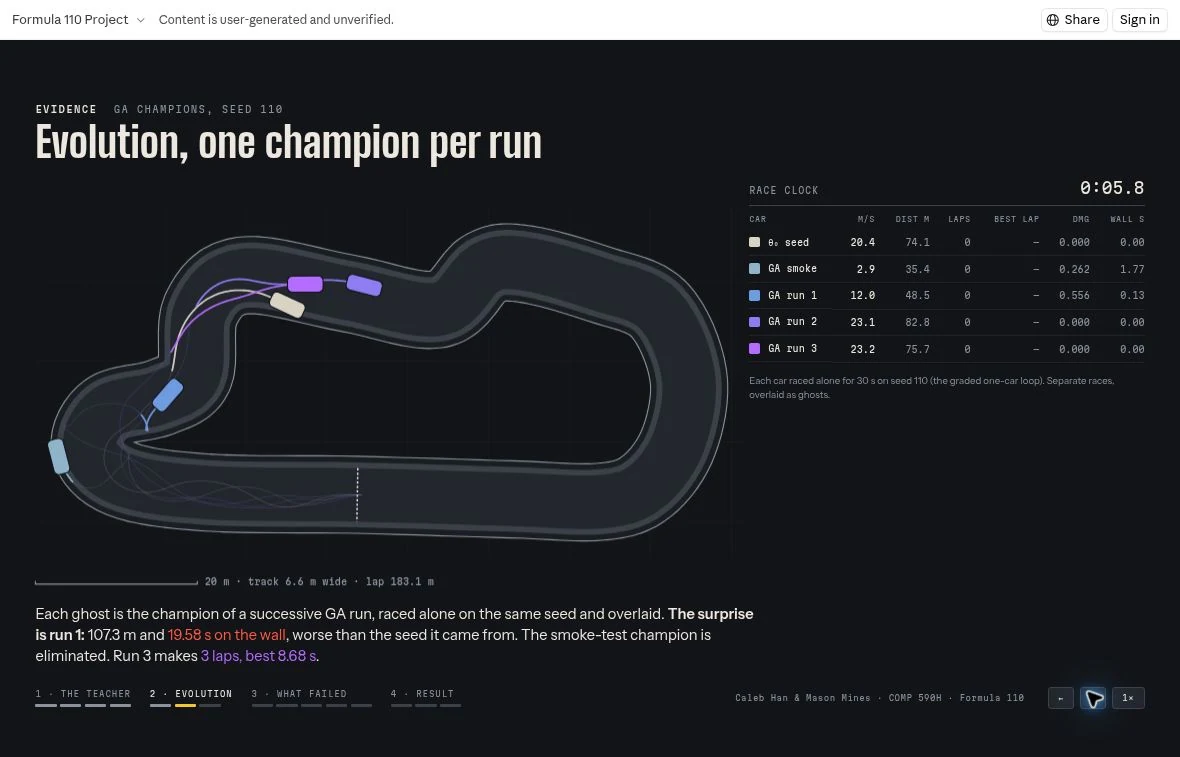
Student racing website showing colored trails from separate evolutionary champions overlaid on one circuit
Separate runs, one view. Champions from individual solo evolutionary runs, overlaid as ghosts on the same track. These are not cars competing simultaneously. Website: Caleb Han & Mason Mines / COMP590H.
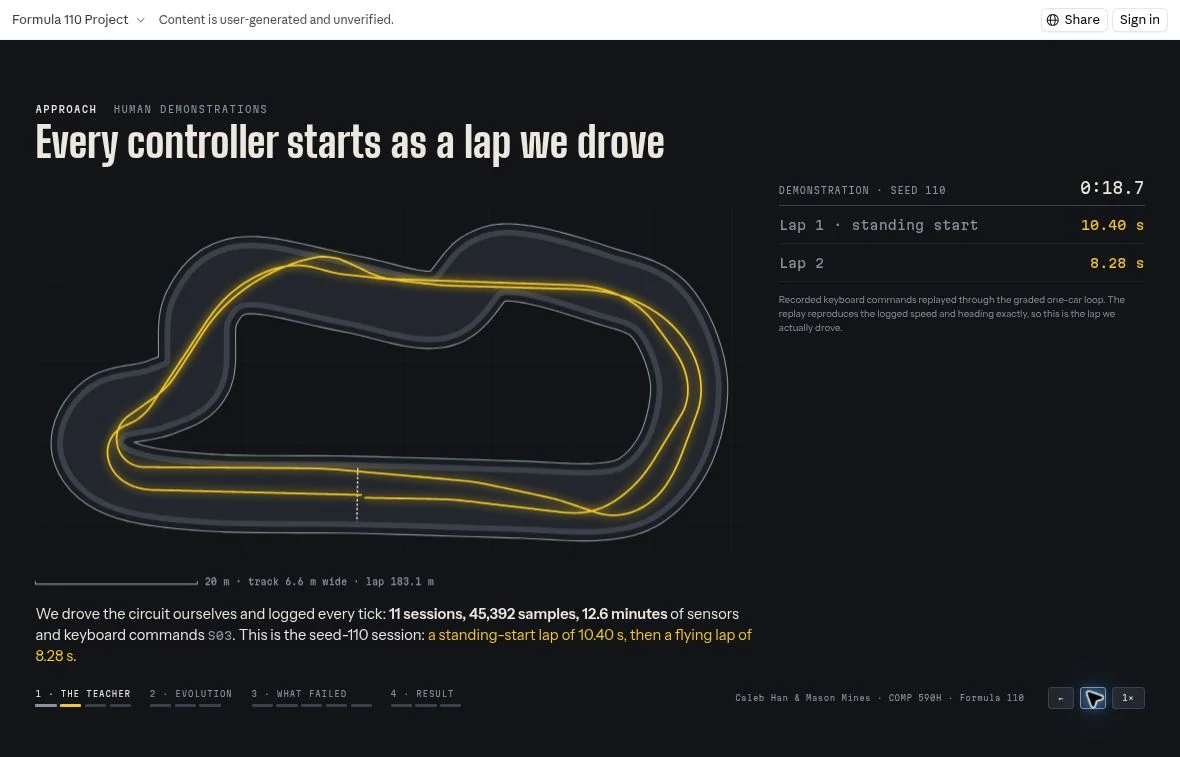
Student racing website showing luminous yellow trails from recorded human demonstration laps
A lap becomes training data. The website visualizes recorded human demonstrations as yellow trails. Student-project screenshot; its reported metrics are student-presented evidence.
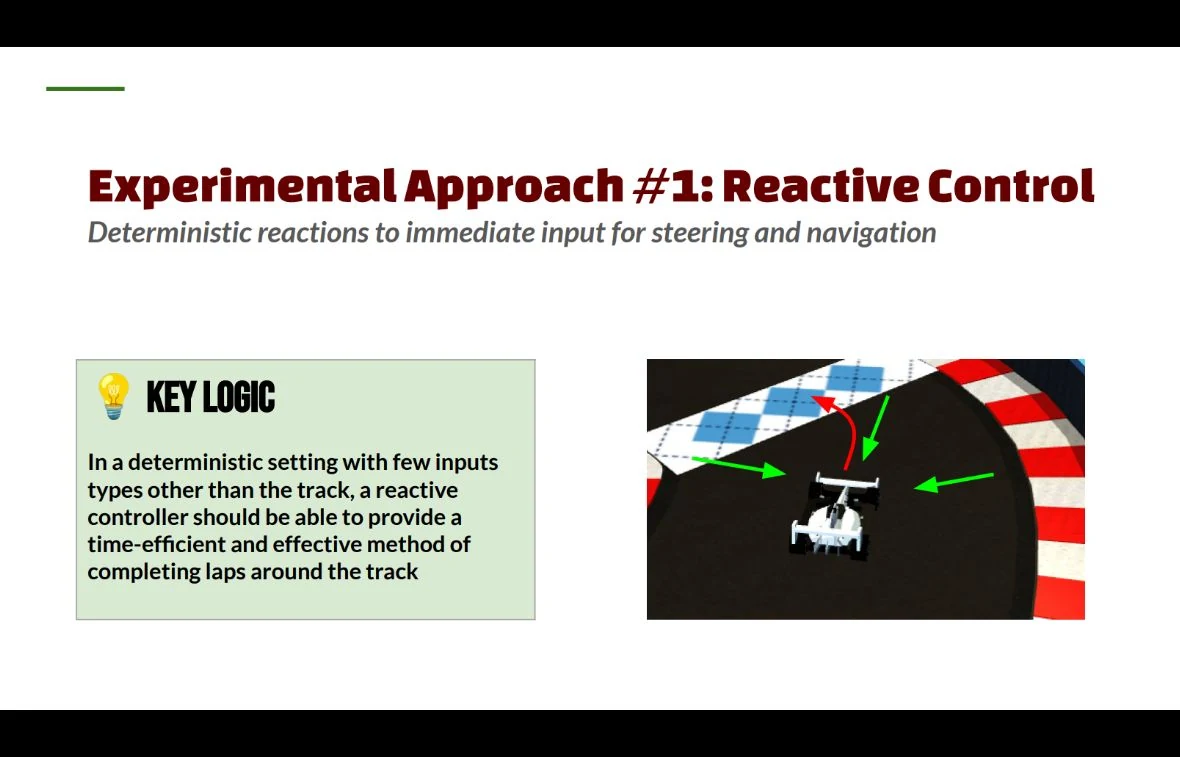
COMP590 presentation slide on reactive control with a car and arrows indicating immediate steering decisions
React to what is nearby. A student presentation explains a reactive control approach. Individual authorship is not established by this frame.
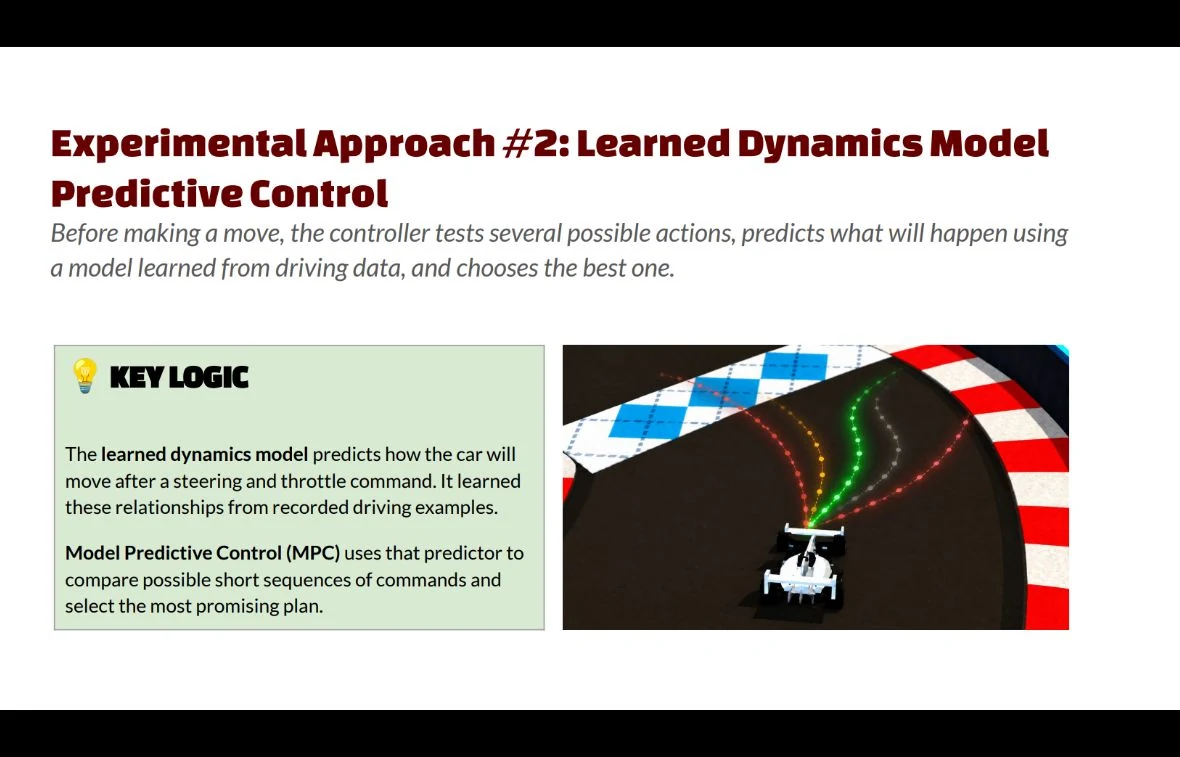
COMP590 presentation slide on learned dynamics model predictive control showing multiple possible paths in front of a car
Predict before choosing. A student-presented approach compares possible paths using a model learned from driving data. The slide illustrates the method; it is not independent performance validation.

An interactive Formula110 racing website by Caleb Han and Mason Mines, made for COMP590H.

Explore their interactive racing site ↗
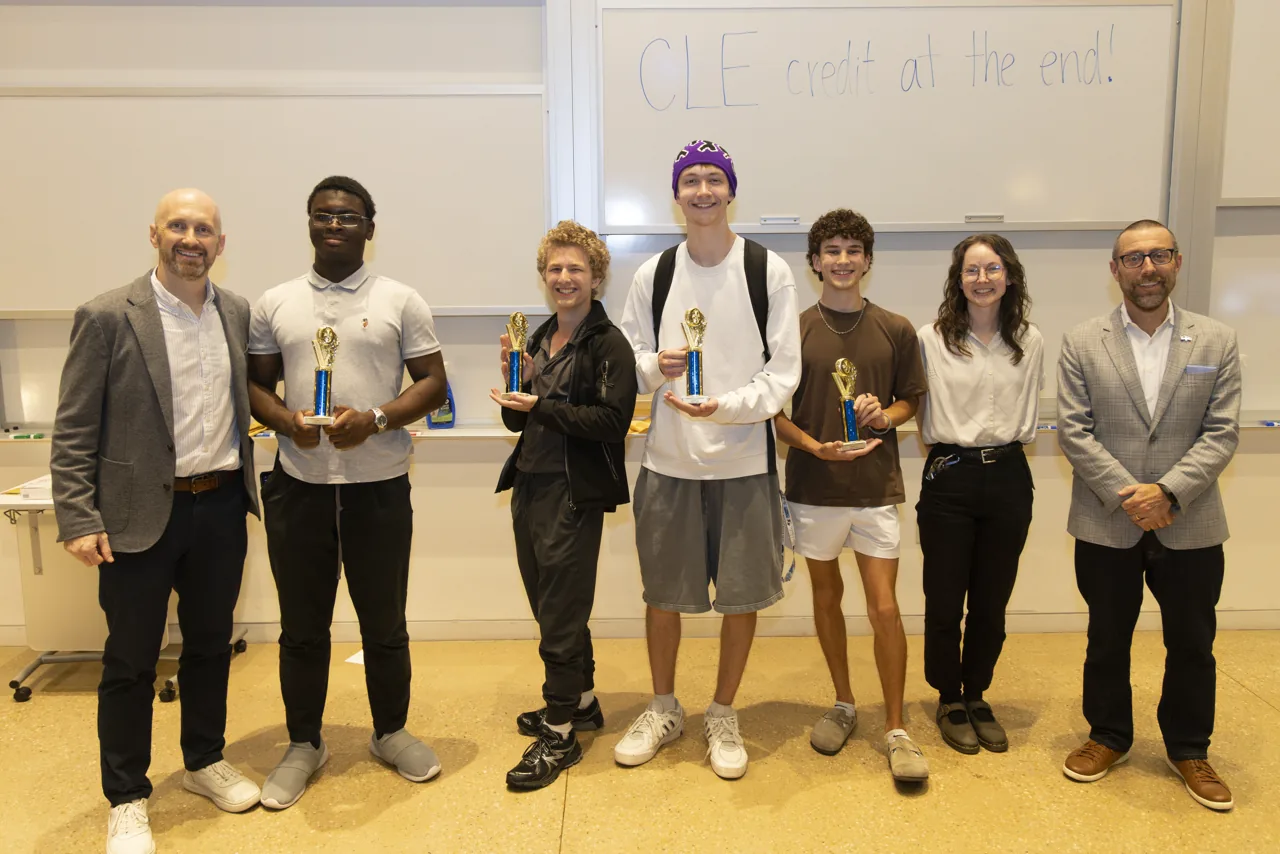
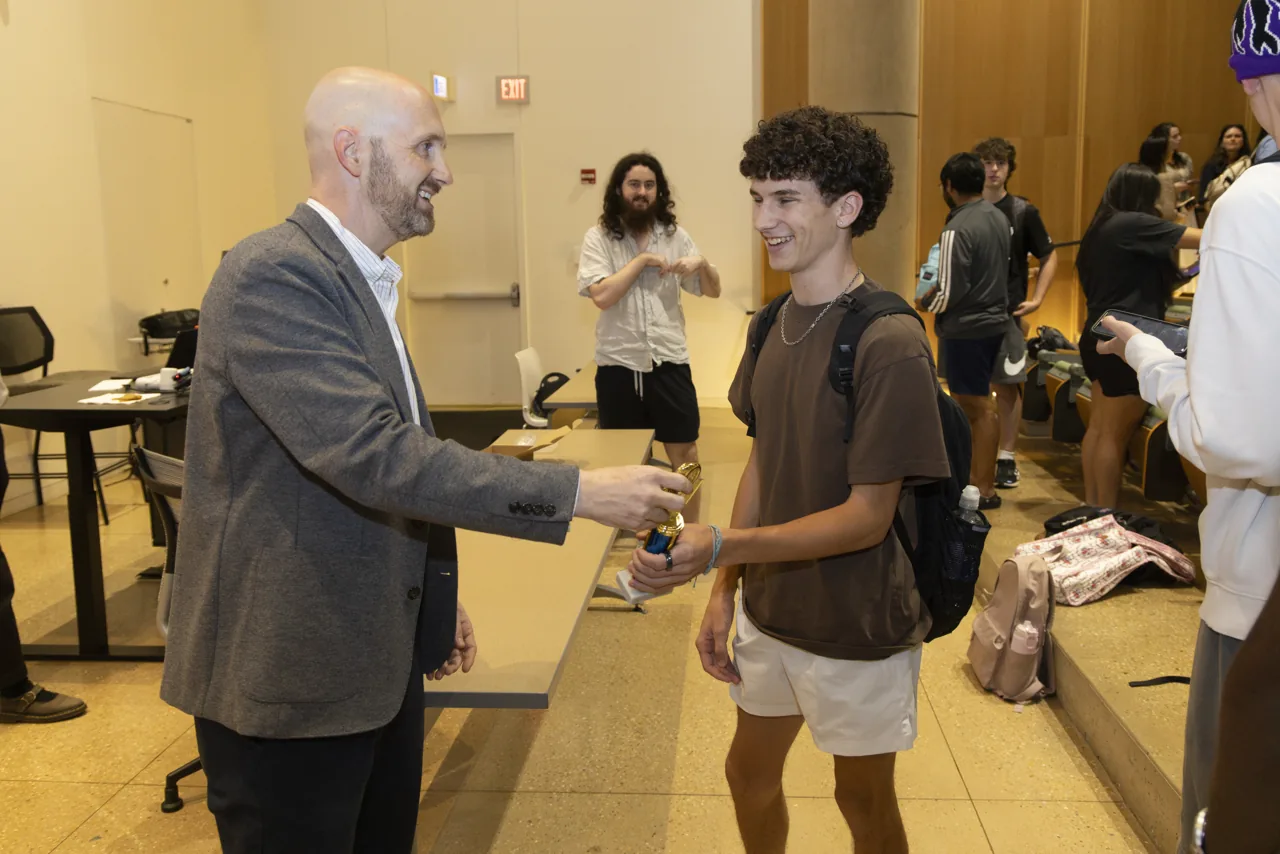
One last moment togetherRace-night awards

Event photography: Jeyhoun Allebaugh / University Communications and Marketing.

What the project makes visible

A decision has a consequence. A branch in Python changes where a car goes. Abstract syntax becomes behavior on a track.

Iteration has a purpose. Each run offers a concrete next question: what happened, and what could change?

Beginner work deserves a stage. A shared race gives students a way to see programming as something they can make and show.

Built for
that moment.

From a simulator to a project. From a project to race night.

The public source brings together vehicle physics, sensor APIs, starter controllers, track generation, timing, race rules, and broadcast cameras. The event opening credit uses the same vehicle physics to animate its car.

Behind the visible spectacle is a simple contract: a sensor snapshot goes in; a driving command comes out. That boundary makes room for beginner code while the surrounding simulator provides a richer world.

01 / June 27–28

A world, then
its details.

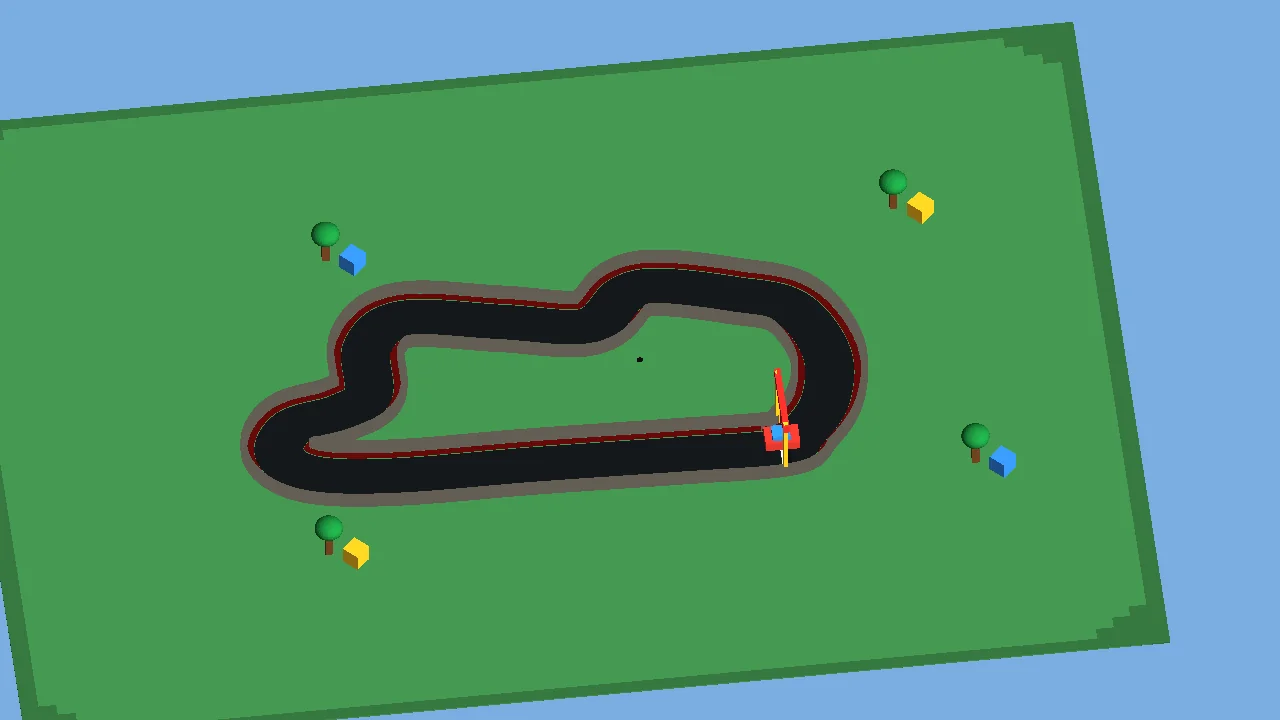
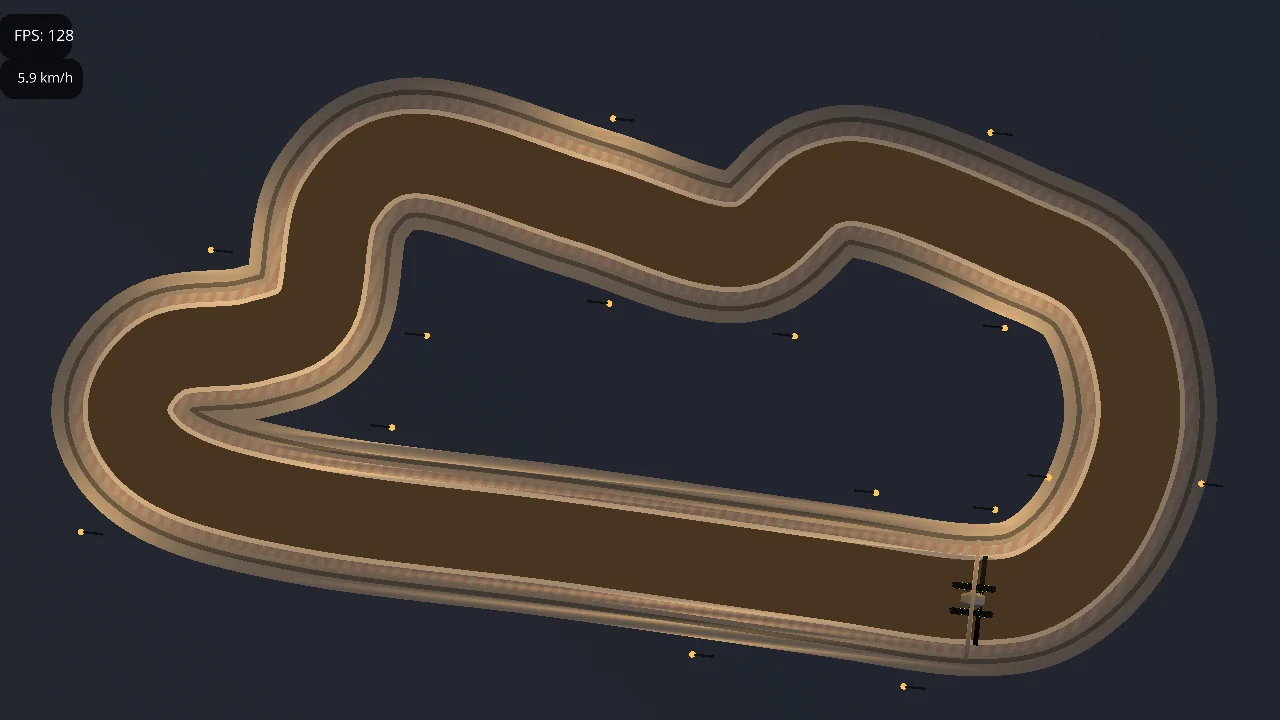
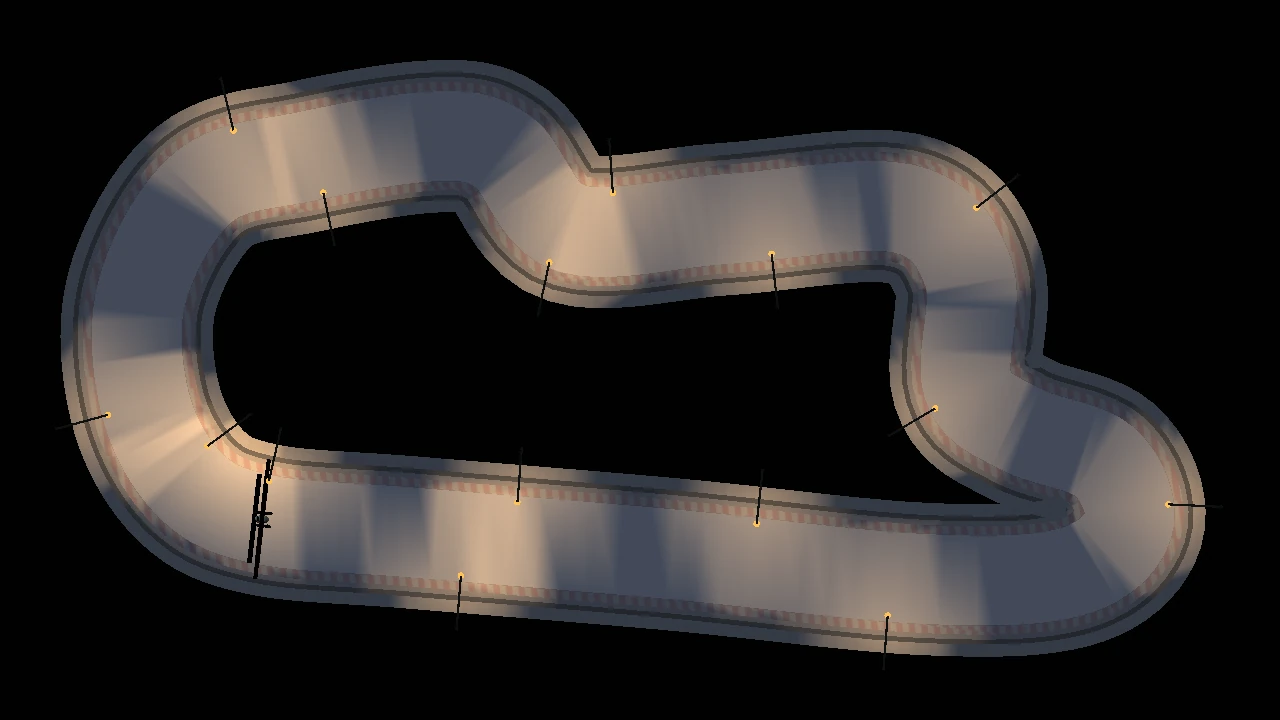
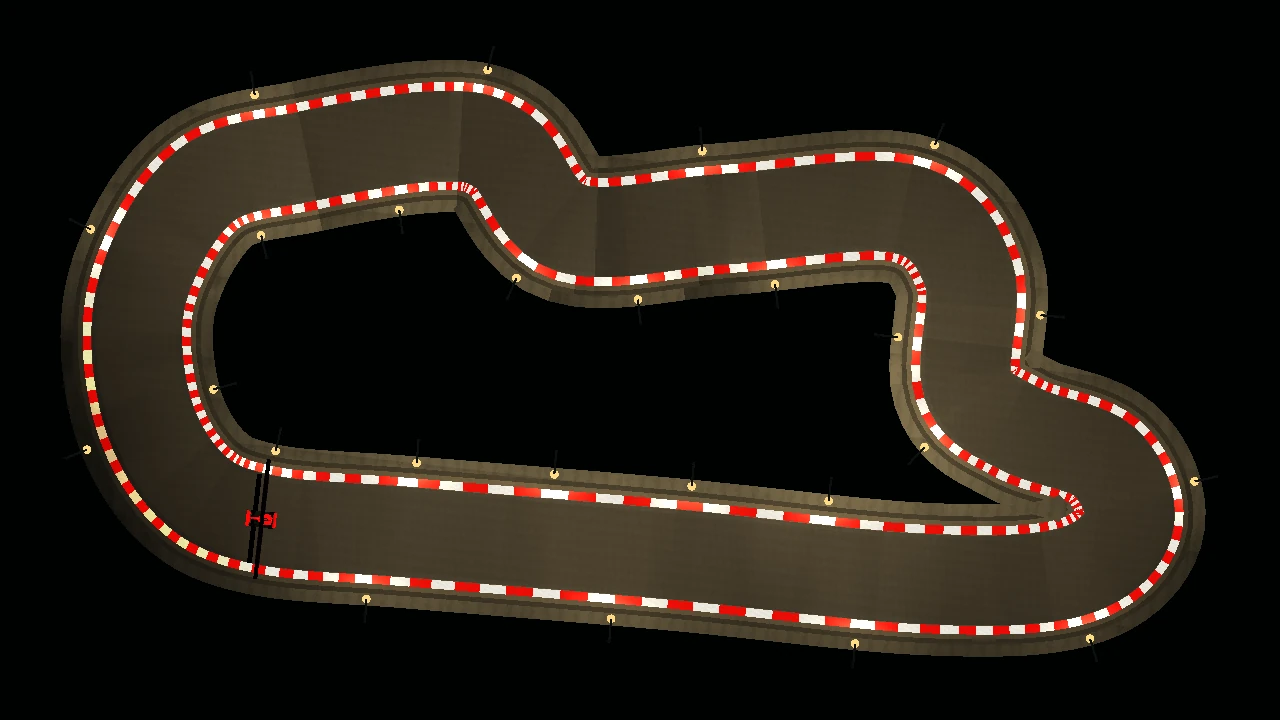
A three-quarter view, an overhead study, lighting experiments, painted kerbs. These June artifacts show successive ways of making the racing world visible.

Early racing prototype on a green ground plane beneath a blue sky
June 27 / Artifact imageA first world to drive in.
Overhead circuit study with a roadway and trackside lights
June 27 / Artifact imageStudy the circuit from above.
Overhead night circuit with localized pools of light along the roadway
June 28 / Artifact imageTry pools of light along the road.
Overhead circuit edged by red-and-white painted kerbs
June 28 / Artifact imageMake the course edges visible.

02 / June → August

Give the world
a race to hold.

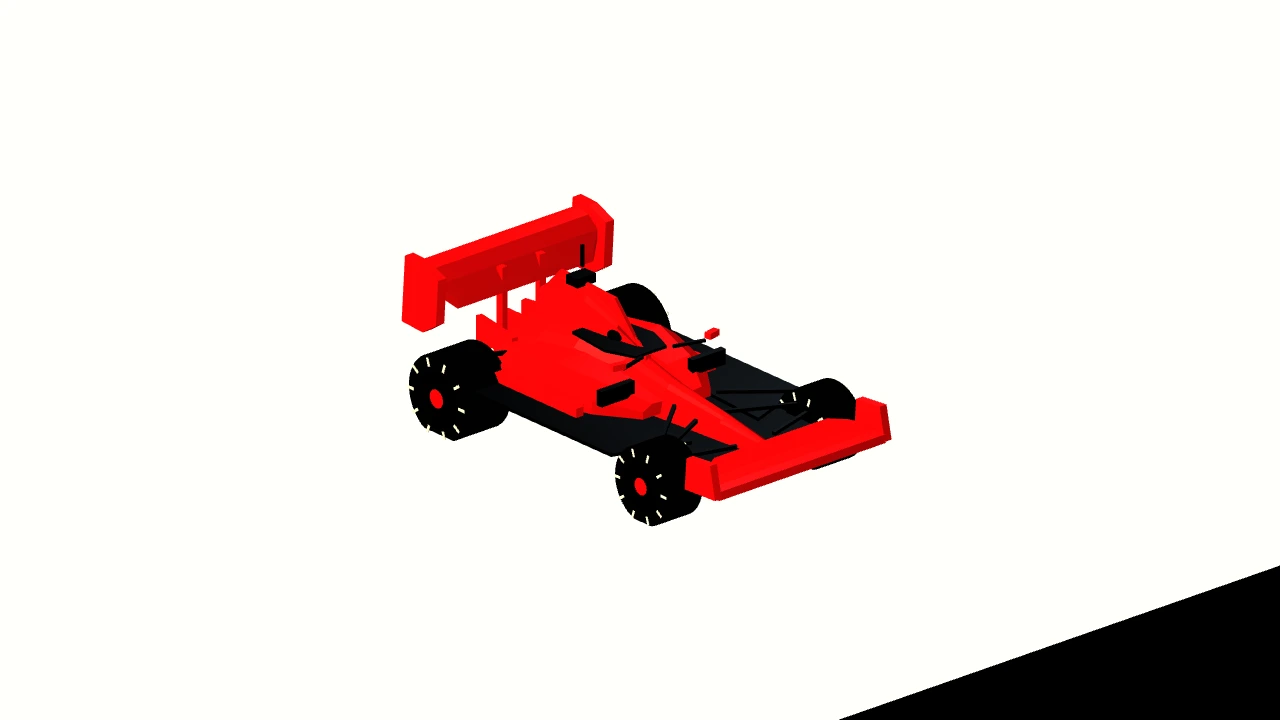
The early head-to-head artifact puts two cars on one track. The August geometry study gives the project a familiar Formula-style shape.

Early head-to-head simulator artifact showing two cars on a track
June 28 / Artifact imageMore than one car in the world.
Formula-style race car geometry on a white background
August 25 / Artifact imageA new silhouette for the project.

03 / Early September

A course.
A way in.

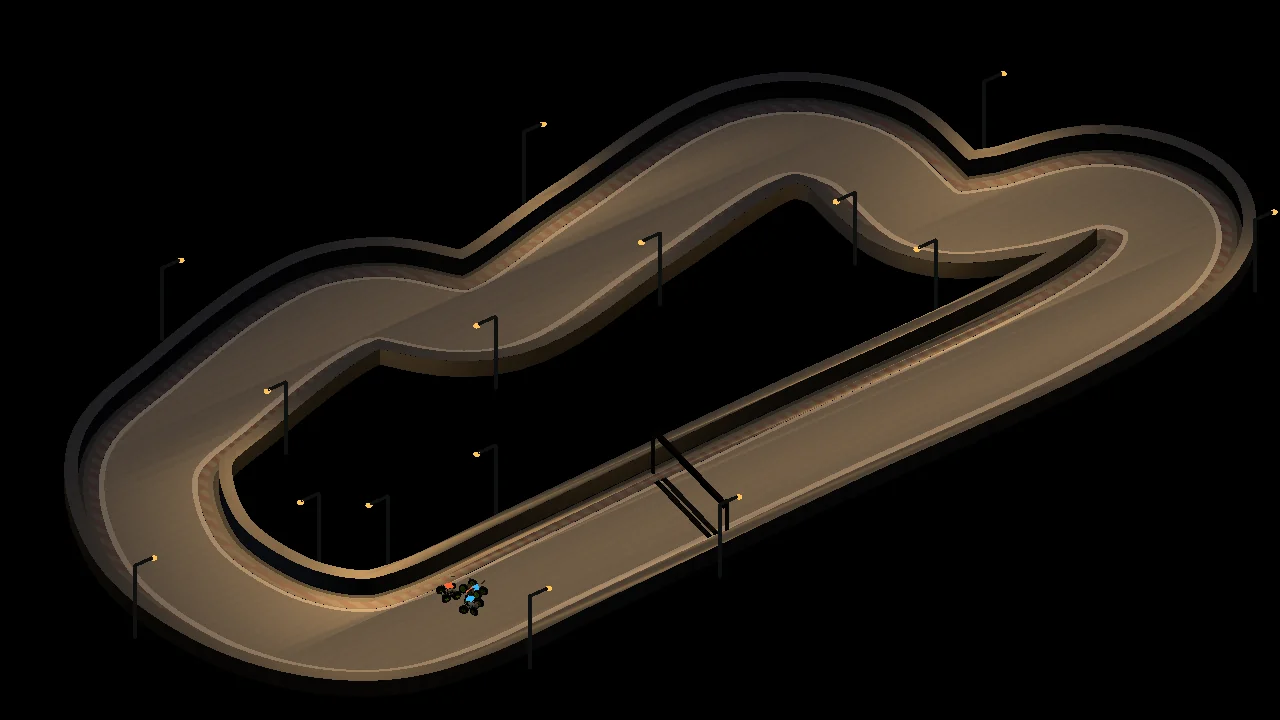
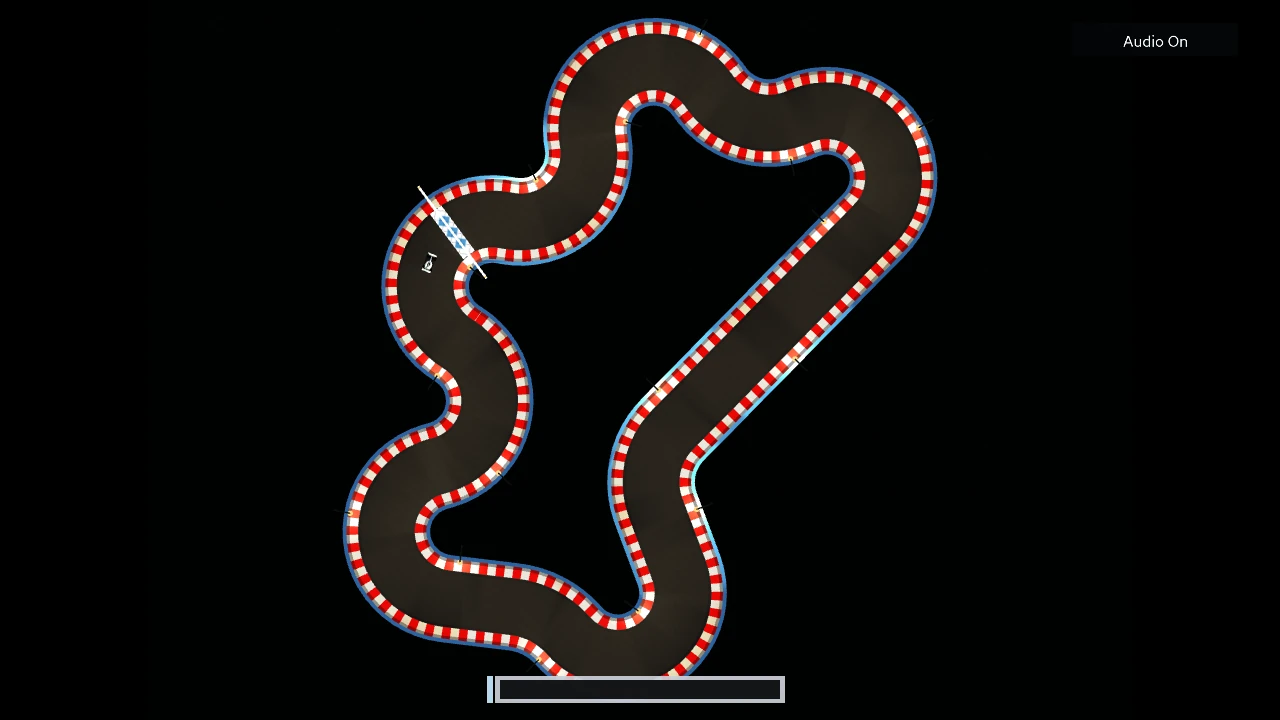
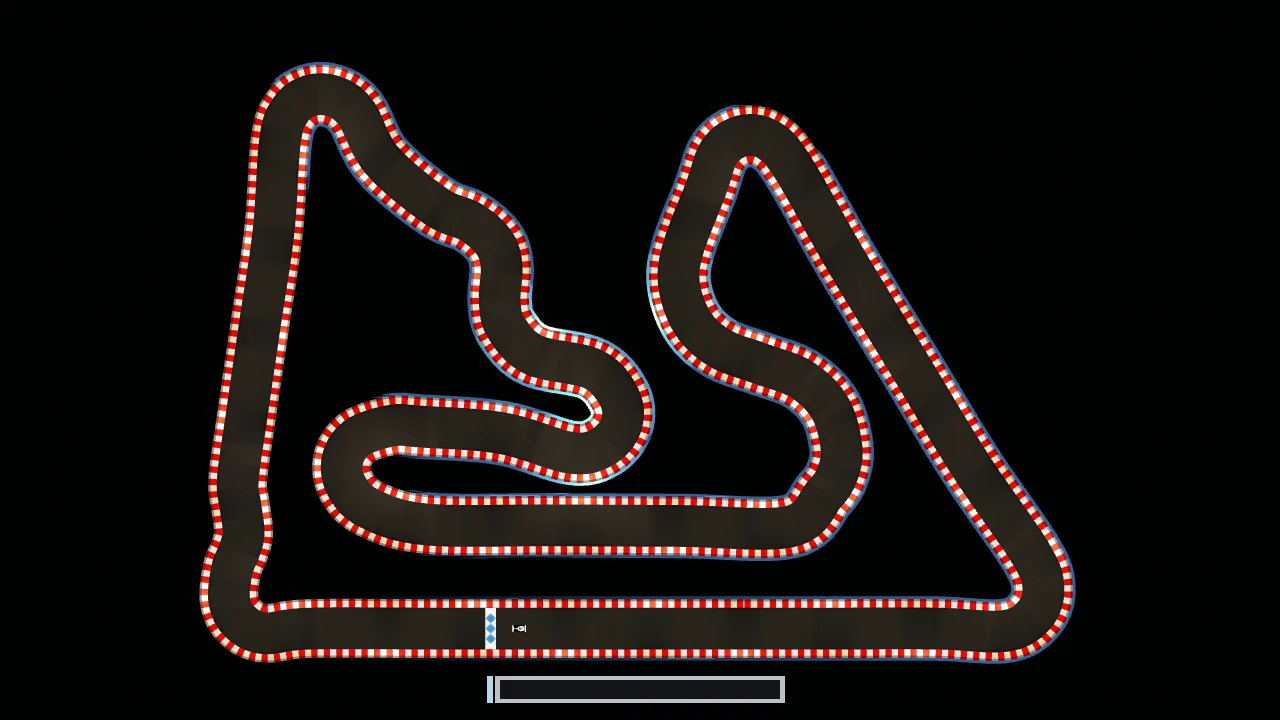
An asymmetric circuit, labeled seed 110 in the source collection, combines tighter bends and longer straights. Alongside that world, the Academy gives beginner Python a sequence of controller challenges.

Asymmetric generated circuit with tight bends, long straights and a start-finish line
September 3 / Artifact imageDifferent corners ask different questions.
Academy / progression
sensor snapshot
       ↓
Python controller
       ↓
throttle + steering
       ↓
watch · test · revise
Early September / Course evidenceA way into the simulator.Submissions were open by September 4, with a September 10 deadline. The diagram summarizes the controller’s learning loop.

04 / Late September

Make the race
watchable.

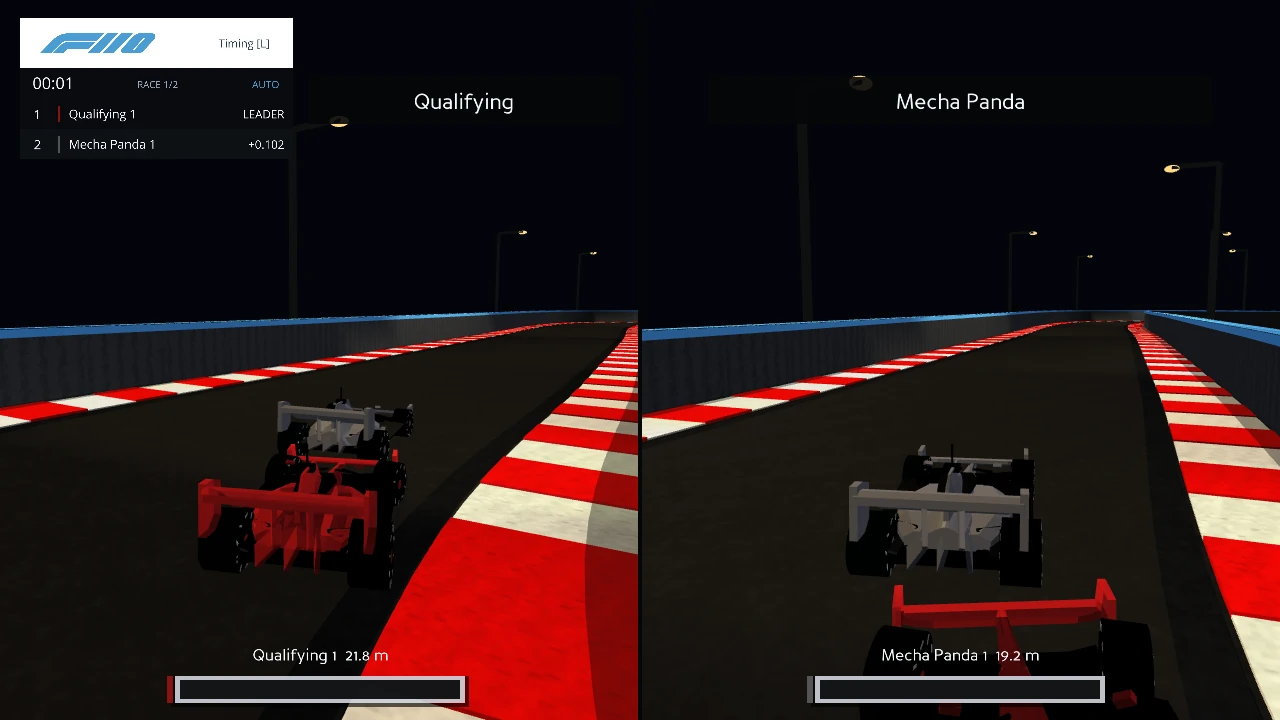
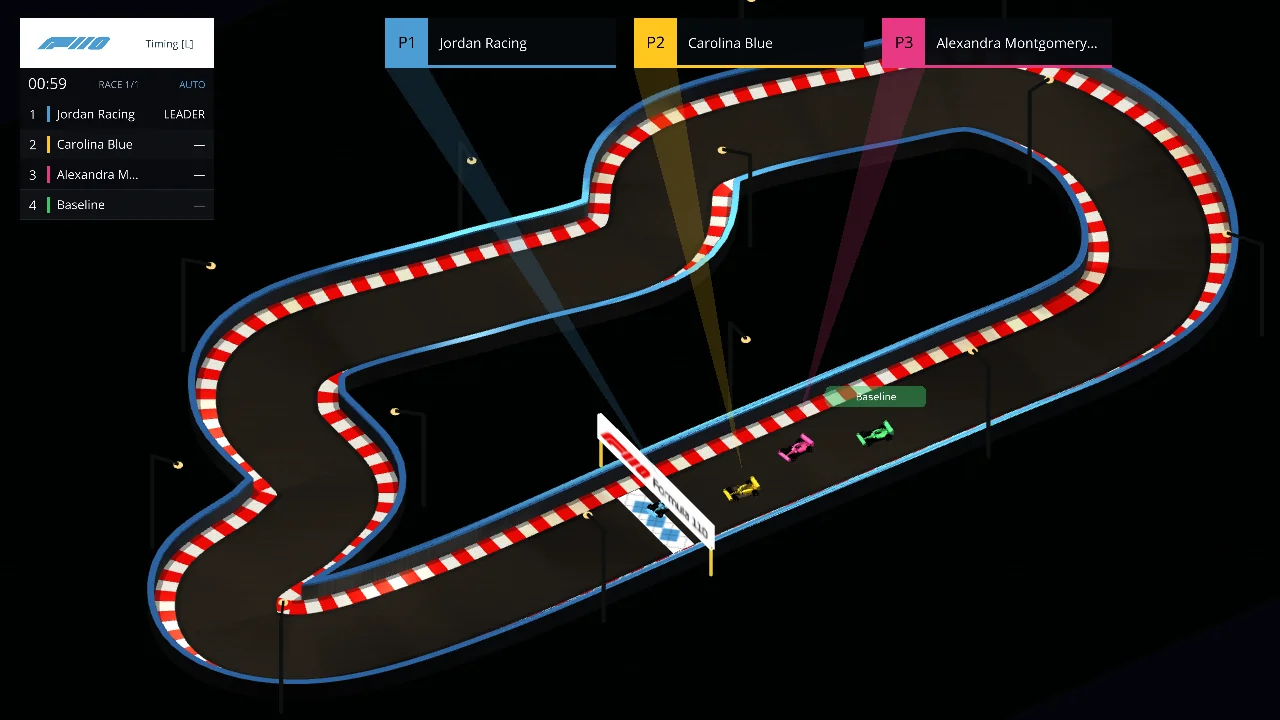
Qualifying was active by September 22. Independent follow cameras, damage bars and a timing tower offer different views of the action. The split-camera artifact was created September 24 and modified September 25.

Two independent close follow camera panels showing cars, timing and damage displays
September 24 / Artifact imageFollow both sides of a head-to-head run.
Simulator overview with a timing tower and three leading-car panels
September 28 / Artifact imageBring the race into one overview.

05 / September → October

Bring it
into the room.

The grid, timing tower and cameras give the students’ code a stage. A September 30 pre-event artifact leads into race night in GSB 200.

Full Formula110 starting grid and broadcast timing display from a pre-event capture
September 30 / Pre-event artifactA starting grid ready for a room to watch.

06 / July → September · Identity studies

Carolina,
on the grid.

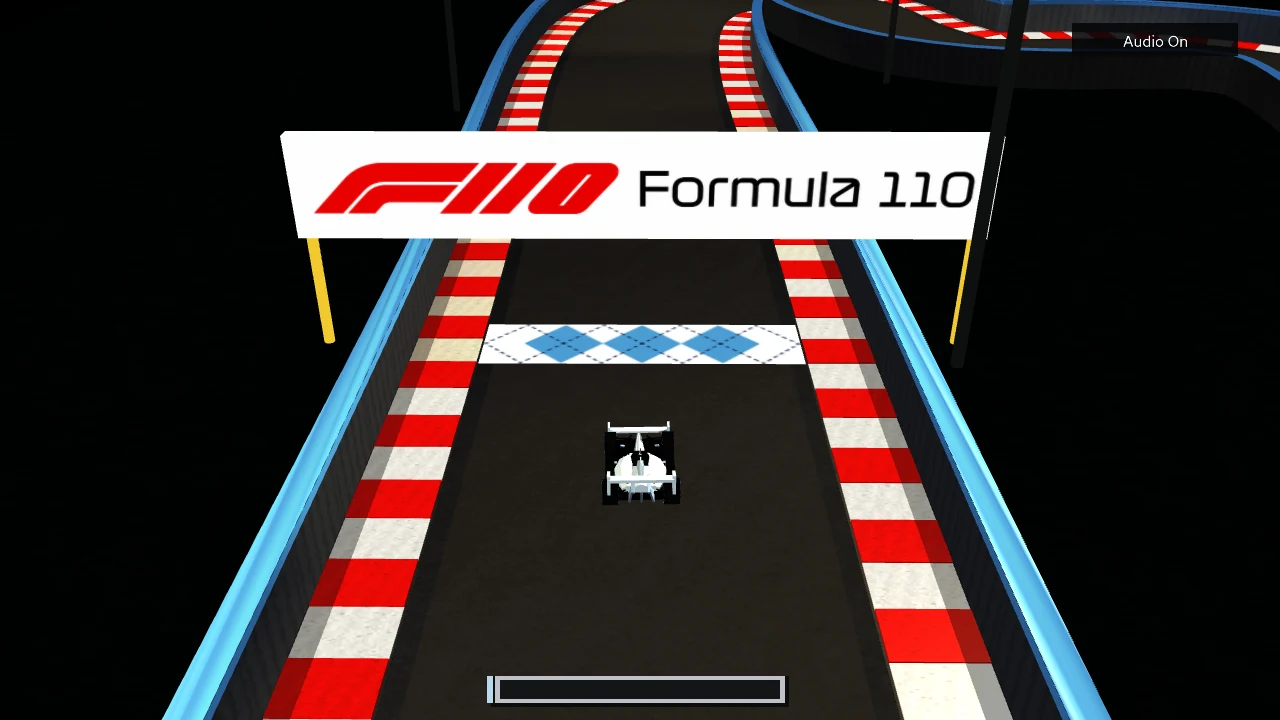
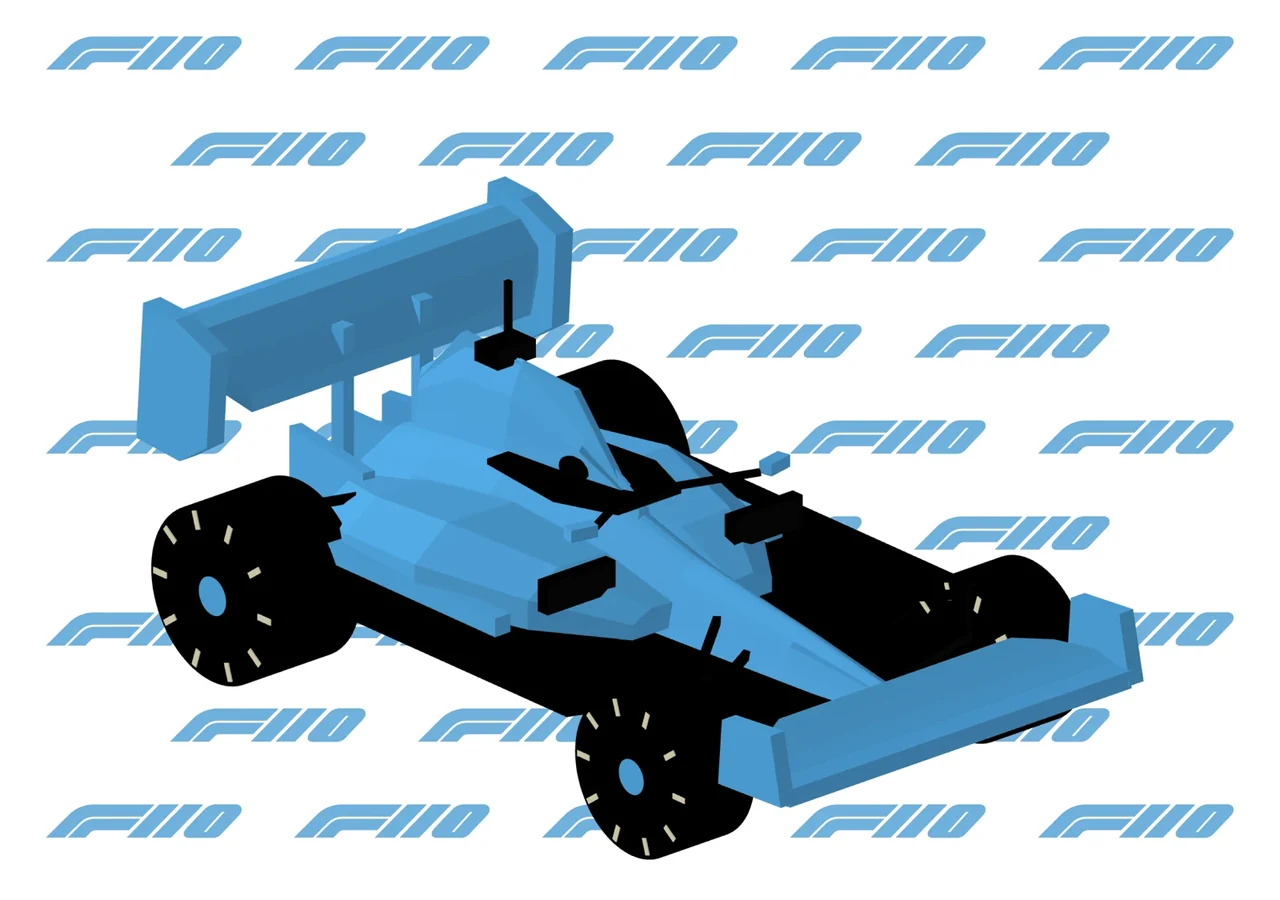
A parallel design thread gave the simulator a sense of home: blue-and-white argyle at the track, a Carolina-blue car, and the F110 mark. These three artifacts trace that palette from an early track treatment to the project’s opening artwork.

Historical simulator view of a Carolina-blue and white argyle start-finish treatment
July 7 / Artifact imageAn early argyle track study.
Carolina-blue Formula110 car against a repeating blue F110 emblem
September 14 / Artifact imagePut Carolina blue on the car.
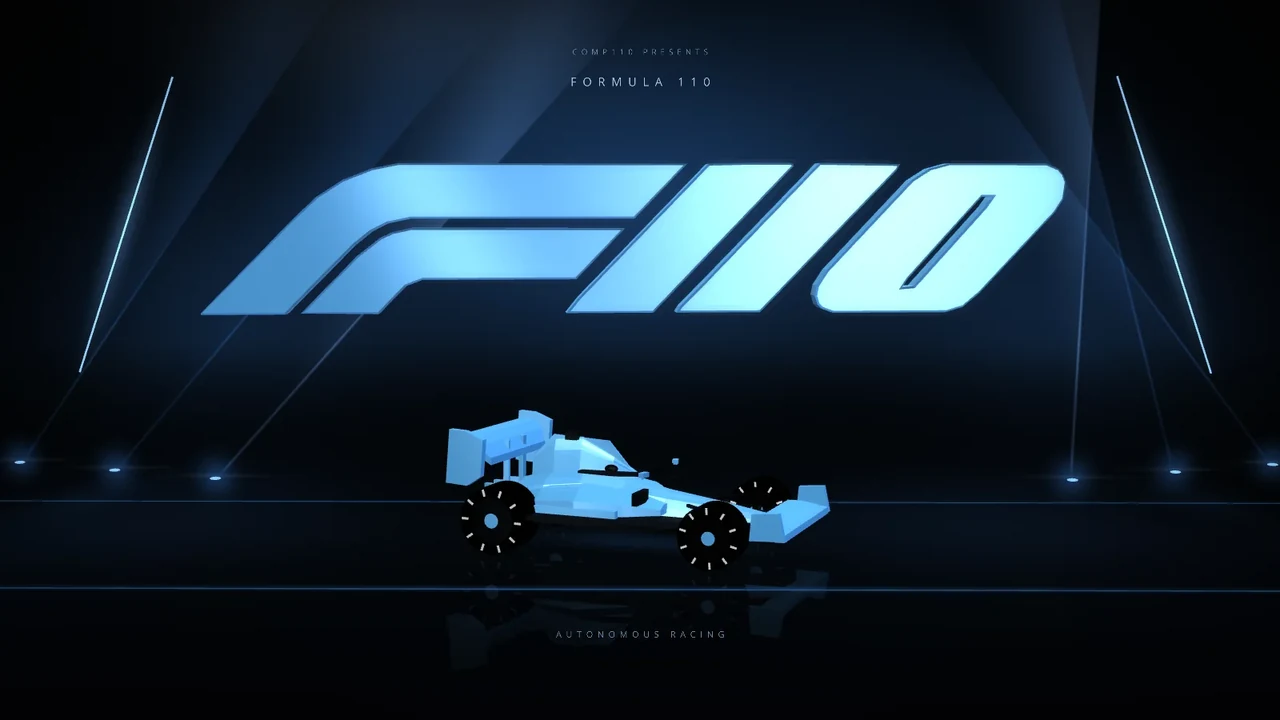
Staged Formula110 opening artwork with a blue car and illuminated F110 emblem
September 28 / Artifact imageCarry that identity into the opening.

These clusters follow key moments of development. Image dates come from recorded filesystem artifact timestamps; Academy and qualifying dates come from course correspondence. Artifact dates are not claims about feature launches.

Same question, from the first prototype to the final grid:
What will your code do next?

Explore the project source ↗

Watch
the full races.

Different challenges.
One shared starting grid.

The final event plan brought ten-car fields together for different driving challenges. Choose a category to explore its challenge and watch the full race.

Formula110 cars on the starting grid

Choose play to watch the full race

Smooth driving

Sips Tea

A challenge for smooth driving: keep cornering loads low while navigating the circuit.

Select play to load this race from YouTube.

Watch on YouTube ↗